Guidance from university and industry mentors
University educators and industry mentors deliver the course in person. They demonstrate new concepts, answer questions and give feedback as students develop their projects step by step.

In this five-day, in-person bootcamp, your child will turn an idea into a small working web app, with instructor guidance throughout the week.
AI helps write the code. Your child decides what to build, checks the results and learns to explain how it works.
Students begin with a mini-app, then develop a project of their own.
No coding experience needed. MacBooks and course software provided.
This course helps your child turn an idea into a working app they can understand and explain. Along the way, they learn to direct AI, test its work and make their own decisions.
University educators and industry mentors deliver the course in person. They demonstrate new concepts, answer questions and give feedback as students develop their projects step by step.
Your child chooses what the app should do, gives AI instructions and reviews its suggestions. They learn how a feature works and explain why they accepted or changed an AI-generated result.
Students test whether their app works as intended. For a quiz, that might mean trying correct and incorrect answers and checking the score. They investigate problems, verify improvements and explain what they found.
Your child will choose a project from three categories, with instructor guidance to keep it achievable within the week. Each category offers a small selection of project ideas, with room for their own interests and decisions.
A game with clear rules, player actions and a score or result.
Your child chooses the theme and shapes the rules, difficulty and player experience.
An app that helps someone practise a topic or check their understanding.
Your child chooses the subject, develops and checks the content, and decides how questions and feedback appear.
A useful app that helps someone organise a task or manage their time.
Your child decides who the tool is for, how it should work and what makes it useful.
Each student develops one main project, starting with two or three essential features, then testing and improving it with instructor guidance.
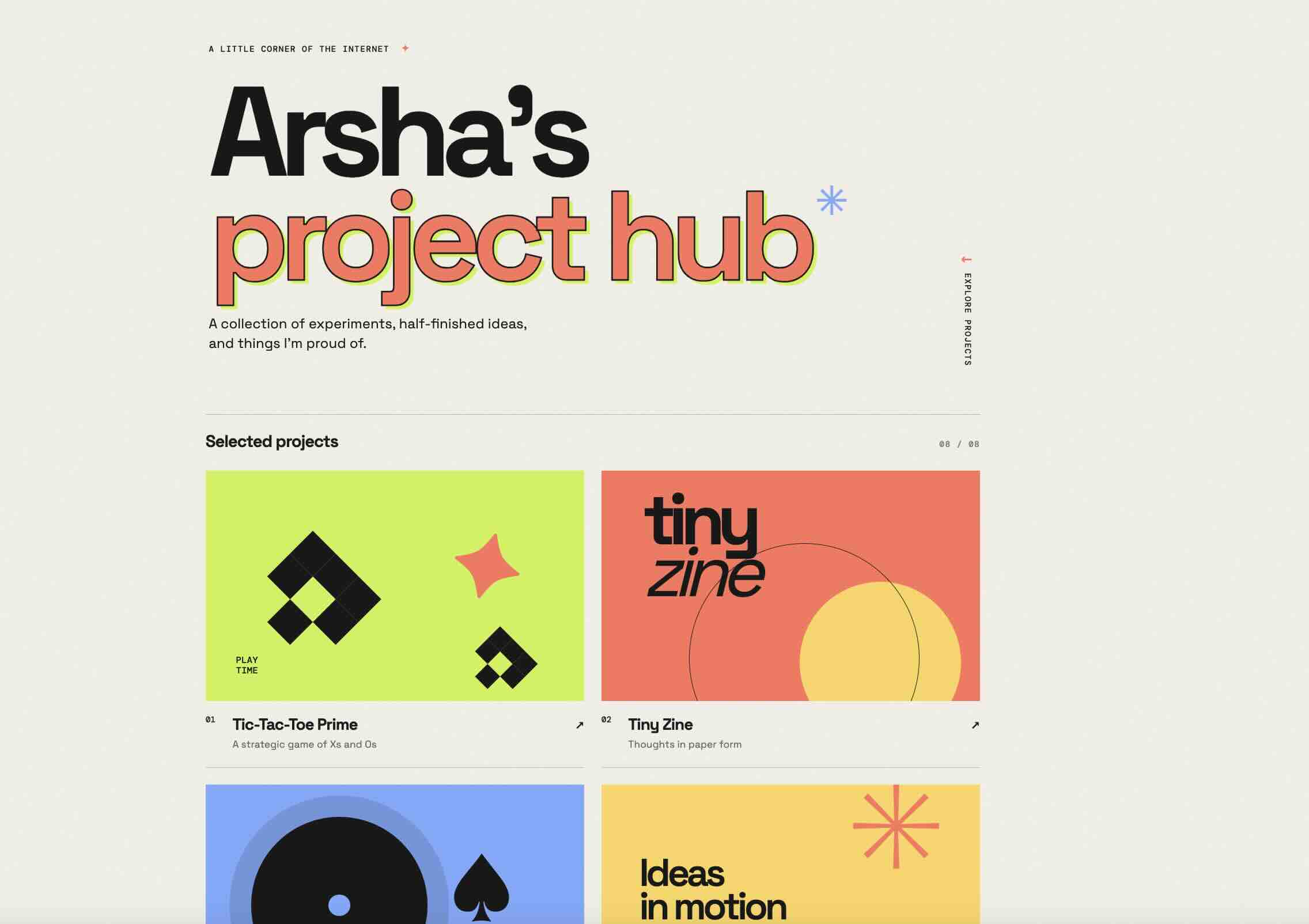
A glimpse inside our two-week summer bootcamp, with projects you can explore.
Reflections from our two-week Summer 2026 bootcamp.
“It has enabled me to follow my passion of creating a study website with the assist of AI.”
My experience at Future Wrights has taught me more than the use of VSCode or the structure of prompting; it has enabled me to follow my passion of creating a study website with the assist of AI.
“I learnt a lot about launching and creating a live website.”
I had a great 2 weeks here at the Future Wrights Academy’s Summer AI Bootcamp. I learnt a lot about launching and creating a live website. Thank you so much for this opportunity!
“It helped me improve my problem-solving skills and boosted my creativity.”
This AI bootcamp helped me learn about how artificial intelligence works and how I can use AI tools effectively. It also helped me improve my problem-solving skills and boosted my creativity by giving me opportunities to work on different games and websites.
“Technology is powerful, but it’s the people behind it who make it meaningful.”
The camp helped me see AI in a new way… I’m leaving this camp with more curiosity, new ideas, and excitement for what the future can bring.
Each day combines instructor demonstrations, hands-on building, feedback and time to explain what students are learning.
Students explore how AI can help build an app and where its results need checking. They create a first mini-app, request a change and test what happens.
Your child selects a project, sketches the experience and chooses two or three essential features. With instructor guidance, they review AI’s proposed plan before building.
Students develop their app one feature at a time, checking and saving progress. They learn to explain how a user’s action produces a result on screen.
Students exchange feedback with a peer and investigate problems in their app. They use AI to help make repairs, then test whether the changes work.
With instructor support, students prepare their app for sharing and publish where approved. They demonstrate their project, explain important decisions and describe how AI helped.
A GitHub repository containing their project code and version history, plus a live link to their deployed app that they can open and share.
A short report with project examples of your child’s decisions, testing and understanding. Instructor feedback outlines support provided and next steps.
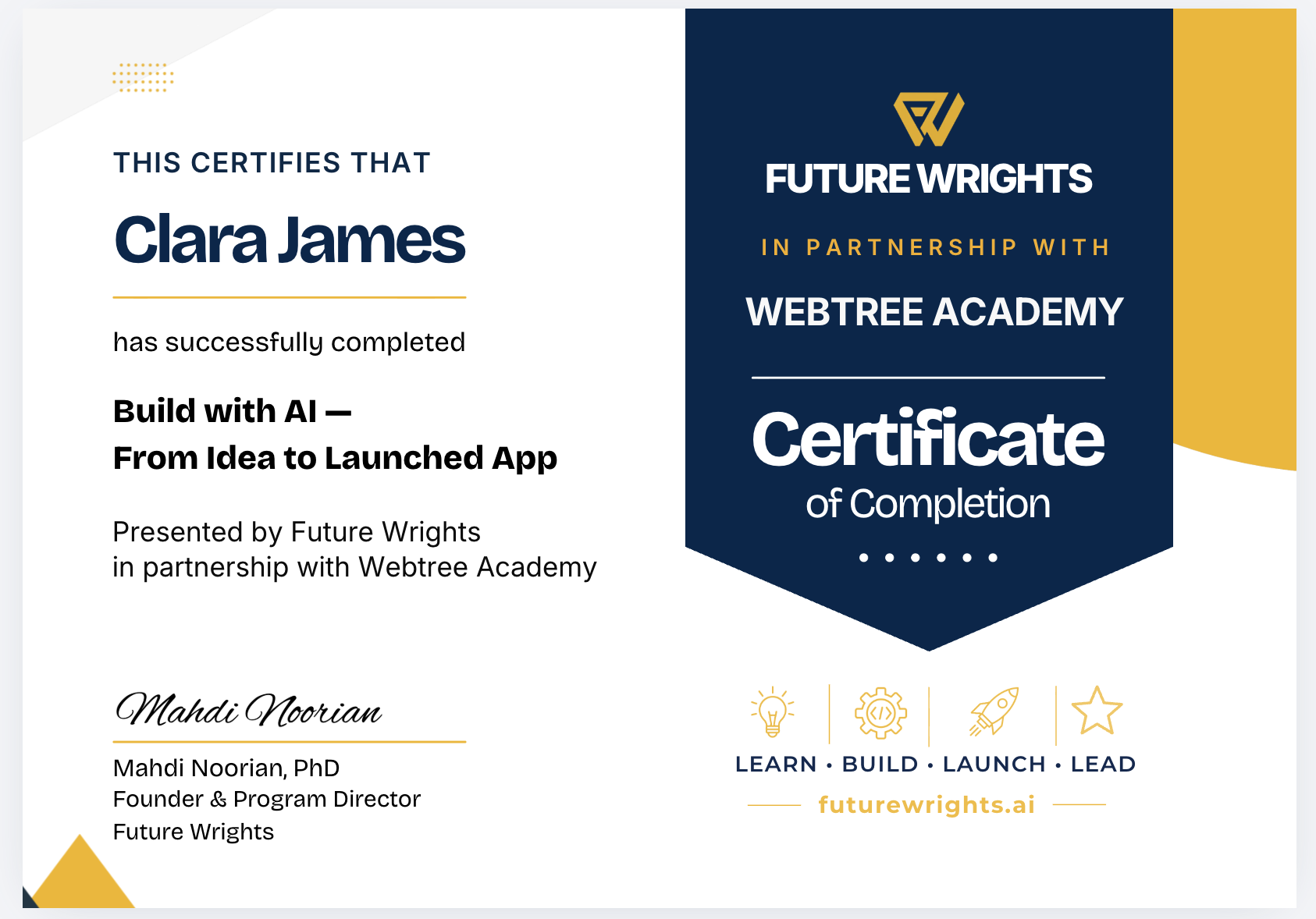
Presented by Future Wrights in partnership with Webtree Academy, recognising completion of Build with AI: From Idea to Launched App.
No. The program is designed for students ages 13–16 with no prior coding experience. Instructors help students get started, communicate their ideas to AI and understand the essential behaviour of their app.
Students begin with a mini-app, then develop an individual browser app with instructor guidance. Possible projects include a game, learning tool or interactive story. Instructors help keep the project achievable within the week.
Yes. Your child will receive a GitHub repository containing their project code and version history, plus a live link to their deployed app that they can open and share.
Students explain their goals, review AI suggestions and test the results. During short Show · Explain · Change checkpoints, they demonstrate a feature, explain their thinking and respond to a small new requirement. Instructors use these conversations to guide feedback and support.
No. Future Wrights provides a MacBook for use during the program, along with the required course software, Codex and OpenAI API access.
Students attend one three-hour session each day, Monday–Friday, March 15–19, 2027. Choose either the morning group, 10:00 AM–1:00 PM, or the afternoon group, 2:00–5:00 PM.
Students work toward publishing a small web app with instructor guidance. Online sharing follows agreed consent and privacy arrangements. Where publication is approved, students receive a live link others can use to try their app.
Student projects may be shared through live web links and GitHub repositories. Before publication, we explain what will be publicly visible and request parent or guardian consent.
Students are guided to use fictional sample data in their projects and avoid sharing personal information with AI tools or including it in published work.
Permission to use a student’s name, photograph, video or testimonial in promotional materials is requested separately.
For questions or to discuss sharing preferences, contact admissions@futurewrights.ai.
The $949 CAD tuition, including applicable taxes, covers the five-day bootcamp, use of a MacBook, required course software and access, a certificate of completion and a personalised learning report.
Select Apply Now to submit an application. Each group has up to 15 students, with applications accepted on a rolling basis until full.
If you would like to discuss the program first, book a 20-minute parent information session or email admissions@futurewrights.ai.
All cancellations and refunds are subject to the following policy: